
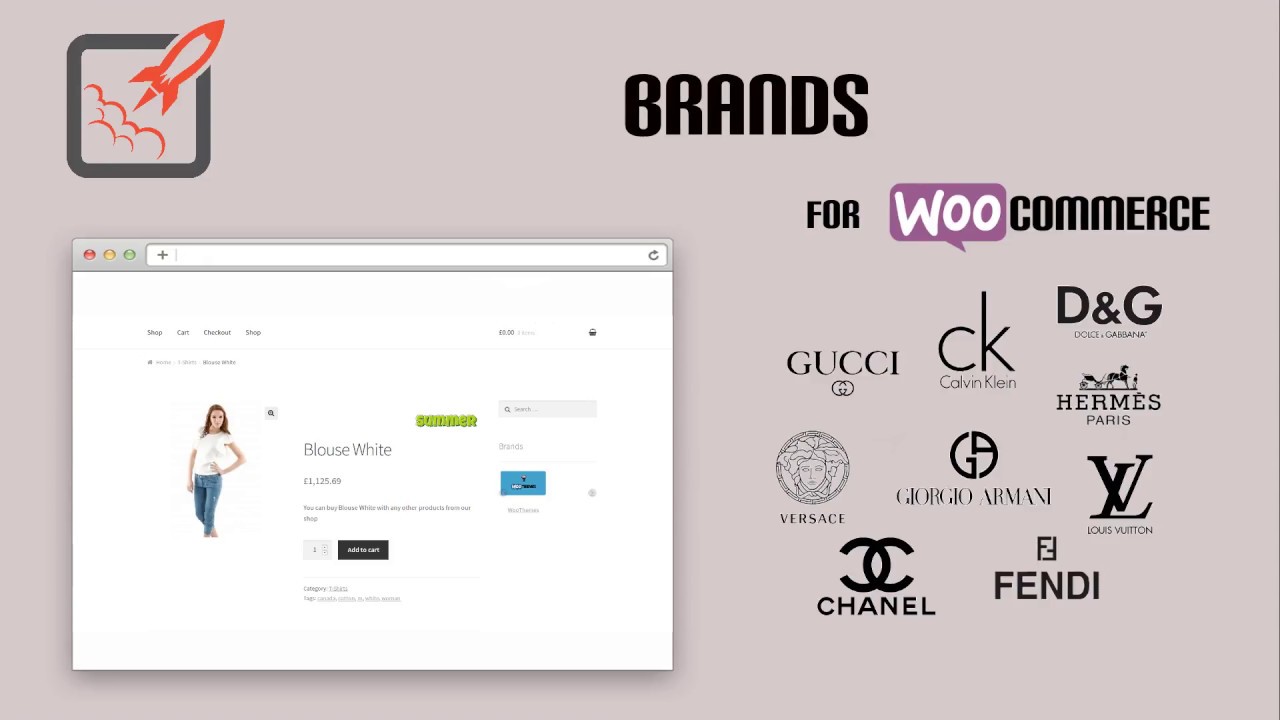


Brands extension for Woocommerce allows to you create brand names for your product. You can enter brand names, its descriptions and an image for that brand. This will help the customers as well as site owner to differentiate the products according to the Brands.
WooCommerce Brands Create, assign and list product brands
The brands extension for WooCommerce Brands allows you to create brands for your shop; each brand can be named, described and assigned an image. Brands can then be:
- Listed, indexed, on a page using a special A-Z shortcode
- Displayed as thumbnails on a page using a shortcode
- Displayed in the sidebar using a widget
- Assigned to a product
- Used to view products using a dedicated layered nav widget
After assigning brands to products, the layered nav widget allows customers to view products by brand in addition to attribute filters. The archive template can optionally show the brand description, or you can use a widget instead.
A useful feature is the A-Z shortcode which lets you list your brands on their own page and makes finding brands easy:
Brands for WooCommerce plugin allows you to add brands for products in your shop. Each brand has a name, description, thumbnail, banner, rating, products category, tooltip, and checkbox ‘Featured’.
WooCommerce Brands FEATURES:
✅ Custom images for brands: thumbnail and banner
✅ Custom pages for brands
✅ Shortcode to display brands list (as a list or a slider)
✅ Shortcode to display brands grouped by alphabet or category
✅ Shortcode to display product list for given brands (by ids or slugs)
✅ Shortcode to display information about brand (by ID)
✅ Shortcode to display brand image for product page
✅ Shortcode to display single brand info for single product
✅ Display brand description and image on brand pages
WooCommerce Brands FEATURES IN VERSION
✅ Support Gutenberg on the Widget admin page
✅ Brands hierarchy included to Brands List and Catalog
✅ WooCommerce Product Brands Description widget: thumbnail and banner; related products ordered by title, date, random; slider mode for related products;
✅ Brand tab for single product page
✅ Brand pages now have permalinks like category and tag pages
✅ Shortcode [brands_info] now supports following types of information: name, banner, thumbnail, description, external link, related products or ‘all’ for all brand options
✅ Admin option to show selected brands in widgets now is dropdown with autocomplete function
✅ Brands to Scroll: now maximum brands to scroll for the widget is number of brands per page for this widget










Reviews
There are no reviews yet.