
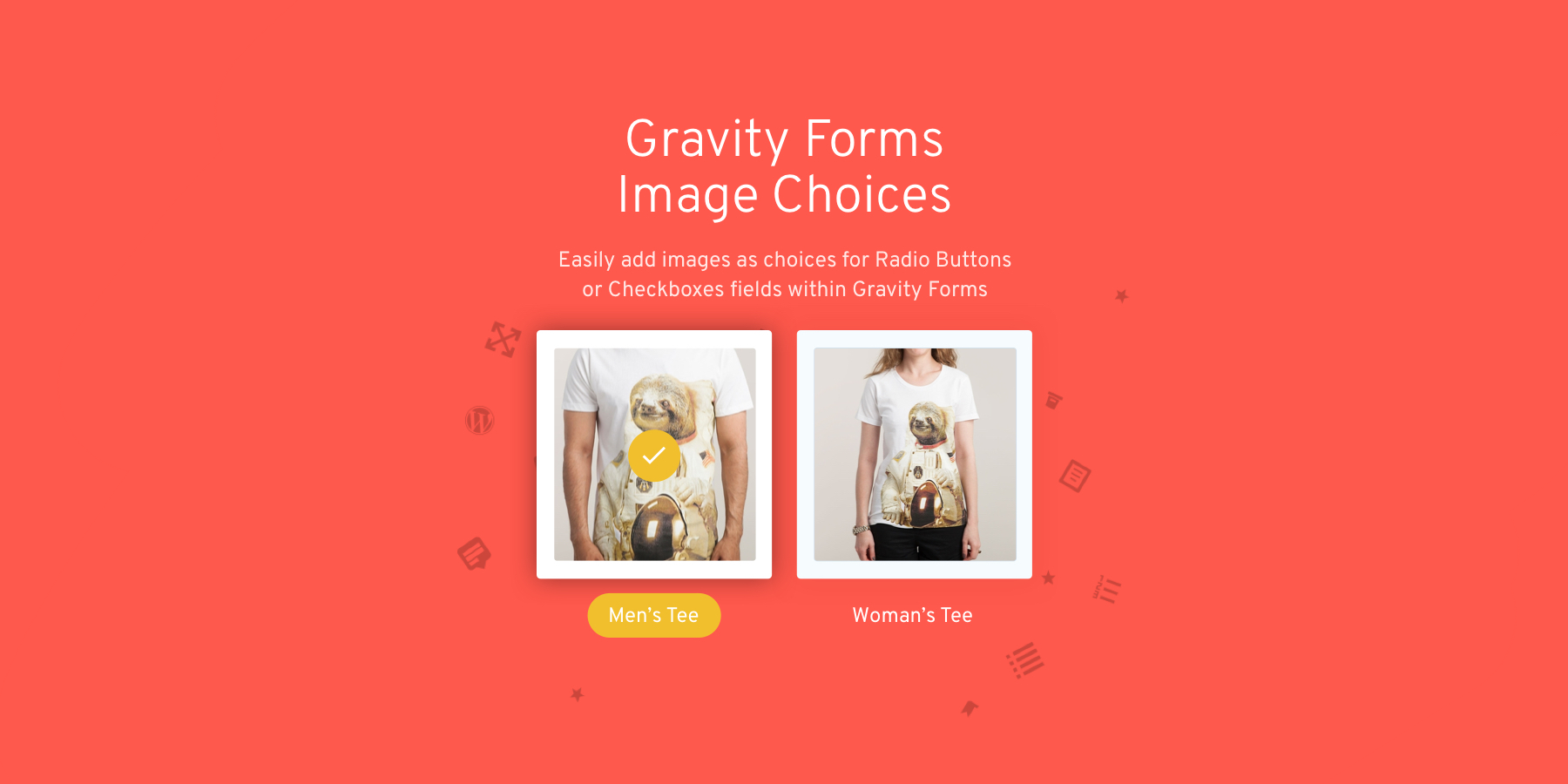


Easily add images as choices for Radio Buttons or Checkboxes fields within Gravity Forms. Includes support for Survey, Quiz, Product and Options. No longer will you need to add image markup into Gravity Forms checkbox or radio field labels, this nifty plugin makes it easier to have stunning looking image selection fields at your fingertips.
A simple and nice plugin to add images easily on gravity forms radio and checkbox field. It helps to add uploaded images for radio and checkbox fields with a few clicks.
It also adds a nice design on the radio and checkbox field. If the installation is okay, go to gravity forms dashboard. Add a checkbox/radio field on your form. Open the checkbox/radio field and you will see a tab called the Image Choices. After clicking that tab, an option will be shown to enable Image choice. Click that checkbox and configure it as your choice. And save the form. You’re done!
Gravity Forms Image Choices REQUIREMENTS
- PHP 5.6
- Gravity Forms 2.0.0 or higher








Reviews
There are no reviews yet.